
Introduction
Open the WordPress source and you will see code like new WP_Query(), $wpdb->get_results(), and classes that extend WP_Widget. All of that is object-oriented PHP, usually shortened to OOP. Modern plugins, the REST API, the block editor’s PHP side, and large parts of core are built this way.
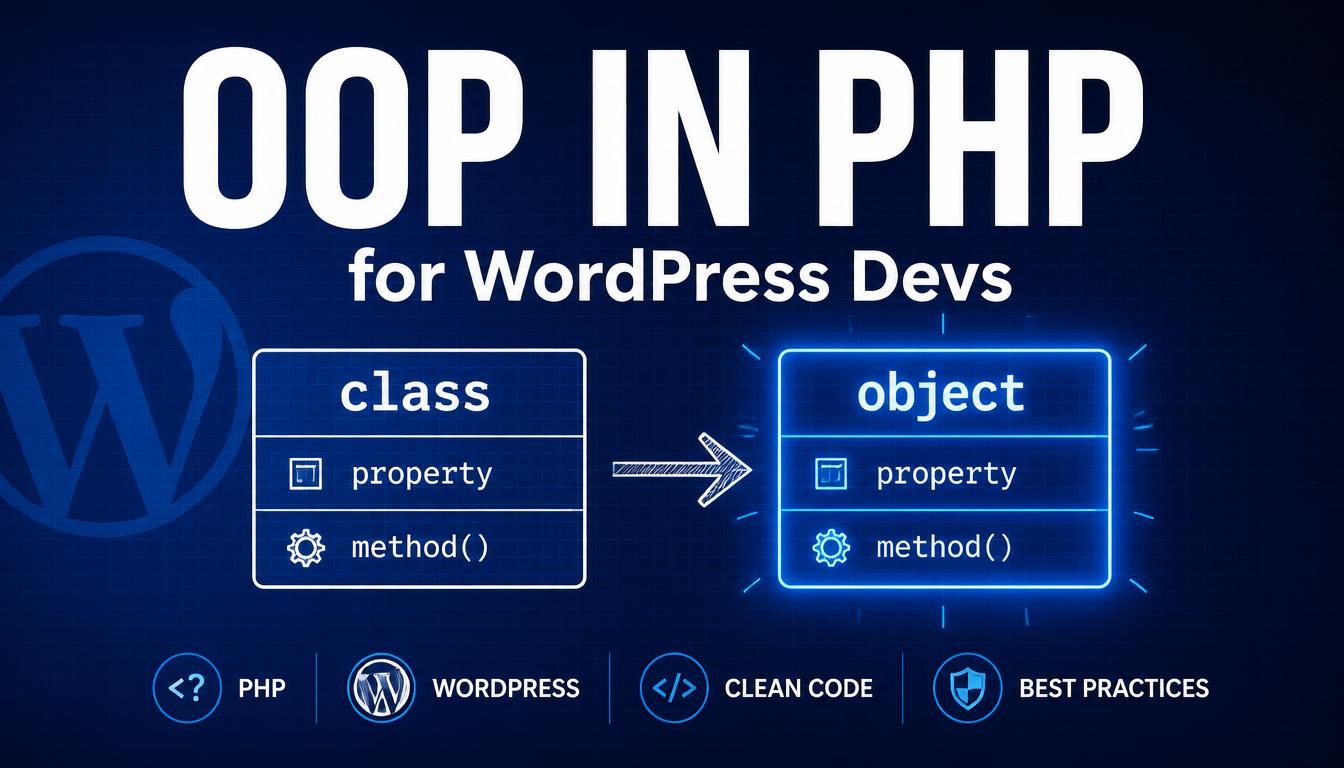
This article explains OOP using examples drawn from real WordPress code. A class is a blueprint, and an object is a thing built from that blueprint. WP_Query is a class; the $query you create from it is an object. That one idea is the foundation everything else rests on.
You will learn:
- What classes, objects, properties, and methods are
- How $this, visibility, and constructors work
- Static members and class constants
- Inheritance, abstract classes, interfaces, and traits
- Why WordPress uses OOP and when you should too
Classes and Objects: The Core Idea
A class groups related data and behaviour under one name. The data is held in properties and the behaviour lives in methods.
class Kubic_Greeter {
    public $name;

    public function say_hello() {
        return 'Hello, ' . $this->name;
    }
}
That is just a blueprint. To use it you create an object with the new keyword.
$greeter = new Kubic_Greeter();
$greeter->name = 'Kunal';
echo $greeter->say_hello();   // Hello, Kunal
This is exactly the shape of new WP_Query( $args ). The arrow (->) reaches into an object to read a property or call a method.
The $this Keyword
Inside a class, $this refers to the current object — the specific instance the method was called on.
class Kubic_Cart {
    public $items = array();

    public function add( $item ) {
        $this->items[] = $item;
    }

    public function count() {
        return count( $this->items );
    }
}
$cart = new Kubic_Cart();
$cart->add( 'Theme' );
$cart->add( 'Plugin' );
echo $cart->count();   // 2
Each object keeps its own copy of the properties. $this always means “this particular object.”
Visibility: public, protected, and private
- public: accessible from anywhere.
- protected: accessible only inside the class and any classes that extend it.
- private: accessible only inside the class that declared it.
class Kubic_Account {
    private $balance = 0;

    public function deposit( $amount ) {
        $this->balance += $amount;
    }

    public function get_balance() {
        return $this->balance;
    }
}
Outside code cannot set $balance directly, because it is private. Hiding internal data behind controlled methods is called encapsulation and is one of the main reasons to use OOP.
Constructors: Setting Up an Object
__construct() runs automatically when you create an object. It is the place to set up the object’s starting state.
class Kubic_Product {
    public $name;
    public $price;

    public function __construct( $name, $price ) {
        $this->name  = $name;
        $this->price = $price;
    }
}
$shirt = new Kubic_Product( 'T-Shirt', 25 );
echo $shirt->price;   // 25
This is why new WP_Query( $args ) does its work immediately: WP_Query’s constructor takes the arguments and runs the database query right away.
Constructor property promotion
Modern PHP offers a shorthand that declares and assigns properties straight from the constructor parameters:
class Kubic_Product {
    public function __construct(
        public string $name,
        public float  $price
    ) {}
}
Static Properties and Methods
Static members belong to the class itself. You access them with the double colon (::) and do not need an object.
class Kubic_Counter {
    public static $total = 0;

    public static function increment() {
        self::$total++;
    }
}
Kubic_Counter::increment();
Kubic_Counter::increment();
echo Kubic_Counter::$total;   // 2
WordPress and many plugins use static methods for utility helpers and for the “singleton” pattern.
Class Constants
class Kubic_Plugin {
    const VERSION = '1.4.0';
}
echo Kubic_Plugin::VERSION;   // 1.4.0
Constants are perfect for version numbers, option keys, and other fixed configuration tied to a class.
Inheritance: Building on Existing Classes
Inheritance lets one class take on the properties and methods of another. The child class uses extends, and can call the parent’s version of a method with parent::.
class Kubic_Animal {
    public function describe() {
        return 'An animal';
    }
}
class Kubic_Dog extends Kubic_Animal {
    public function describe() {
        return parent::describe() . ' that barks';
    }
}
$dog = new Kubic_Dog();
echo $dog->describe();   // An animal that barks
This is everywhere in WordPress. When you build a classic widget you write class My_Widget extends WP_Widget, inheriting all of WordPress’s widget plumbing and only writing the parts unique to your widget.
Abstract Classes and Interfaces
Abstract classes
An abstract class is a partial blueprint that cannot be instantiated on its own. It can provide some working methods and leave others abstract, meaning any child class must implement them.
abstract class Kubic_Payment {
    abstract public function charge( $amount );

    public function log( $message ) {
        error_log( $message );
    }
}
class Kubic_Card_Payment extends Kubic_Payment {
    public function charge( $amount ) {
        // real charging logic here
        return true;
    }
}
WooCommerce uses this exact idea: payment gateways extend an abstract gateway class and must implement the methods that make a gateway work.
Interfaces
An interface is a pure contract: a list of method names with no implementation. A class that implements an interface promises to provide every method in it.
interface Kubic_Renderable {
    public function render();
}
class Kubic_Banner implements Kubic_Renderable {
    public function render() {
        return '<div class="banner"></div>';
    }
}
Use an interface when you care only that a class can do something, not how. Use an abstract class when you want to share some real code as well as enforce a shape.
Traits: Sharing Methods Across Classes
PHP lets a class extend only one parent. A trait is a reusable bundle of methods you can mix into any class with the use keyword.
trait Kubic_Loggable {
    public function log( $message ) {
        error_log( $message );
    }
}
class Kubic_Importer {
    use Kubic_Loggable;
}
$importer = new Kubic_Importer();
$importer->log( 'Import started' );
A trait is not a class — you never instantiate it. Use traits sparingly, for genuinely cross-cutting helpers.
Why WordPress Uses OOP (and When You Should)
Procedural code is perfectly fine for small jobs. OOP earns its place as code grows. Reach for classes when:
- Your plugin has several related pieces of data and behaviour that belong together.
- You want to extend a WordPress base class like WP_Widget or WP_REST_Controller.
- You need multiple instances of the same thing, each with its own state.
- You want to encapsulate internal details so the rest of your code cannot break them.
Best Practices
- Name classes clearly and prefix them to avoid collisions with core and other plugins.
- Keep properties private or protected and expose behaviour through public methods.
- Give each class a single, clear responsibility.
- Use the constructor to put the object into a valid, ready-to-use state.
- Do not force OOP onto small procedural tasks where a function is clearer.
Common Mistakes
Forgetting $this inside methods. Writing return $name instead of return $this->name reads a non-existent local variable.
Making everything public. Exposing every property defeats encapsulation. Default to private or protected.
Confusing -> with :: Use -> for instance members on an object, and :: for static members on the class.
Trying to instantiate an abstract class. Instantiate a concrete child class that implements the abstract methods instead.
FAQ
What is the difference between a class and an object?
A class is the blueprint; an object is a concrete thing built from it. One WP_Query class can produce many query objects, each with its own results.
When should I use a class instead of plain functions?
Use a class when related data and behaviour belong together, when you need multiple instances, or when you are extending a WordPress base class. Small, linear tasks are fine as functions.
Abstract class or interface — which should I pick?
Use an abstract class when you want to share real code as well as enforce a set of methods. Use an interface when you only need to guarantee that a class provides certain methods.
Conclusion
Object-oriented PHP groups data and behaviour into classes, creates objects from those blueprints, and uses visibility, inheritance, and interfaces to keep large codebases organised. WordPress is full of it — from WP_Query to widgets to REST controllers.
The mental model to keep: a class is a blueprint, an object is a thing made from it, $this is “this particular object,” and inheritance lets you build on what already exists.