
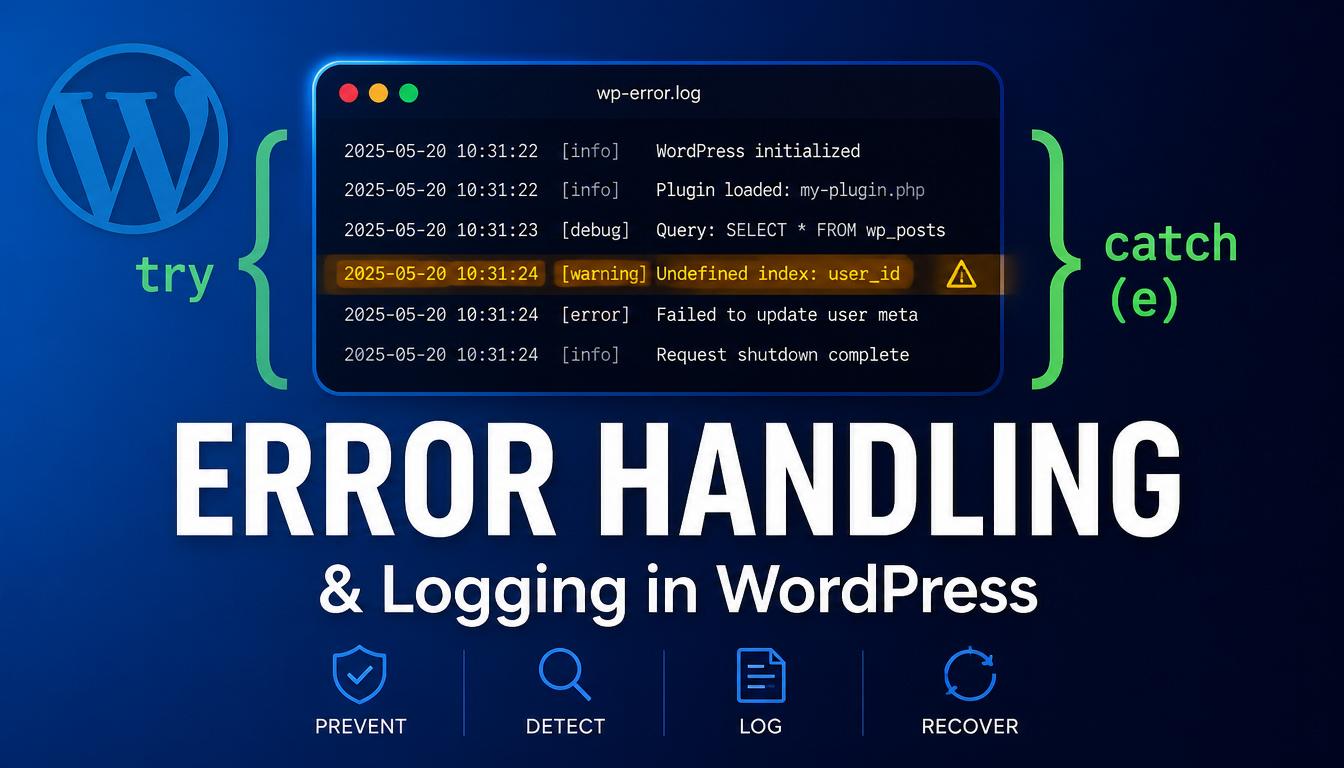
Introduction
Things go wrong in code. A database call fails, a remote API times out, a function receives data it did not expect. The difference between a fragile site and a robust one is how it handles those moments. Good error handling means problems are caught, recorded, and dealt with gracefully instead of crashing the page or failing silently.
You will learn:
- The kinds of errors PHP produces and what each means
- How to use try, catch, and finally with exceptions
- How to throw your own exceptions and create custom exception types
- How to log errors safely with error_log and the WP_DEBUG constants
- The WP_Error class and when to use it instead of exceptions
The Kinds of PHP Errors
- Notice / Warning: non-fatal. The script keeps running. Examples are reading an undefined array key or a missing variable. These often reveal real bugs even though the page still loads.
- Deprecation: a feature still works but will be removed in a future PHP version. Fix before you upgrade.
- Fatal error: the script stops immediately. In WordPress this is the classic white screen, now usually replaced by a friendly error message.
- Parse error: the code is not valid PHP and will not run at all. Usually a missing semicolon or bracket.
Exceptions: Handling Failures Cleanly
An exception is an object that represents something going wrong. Code can throw an exception, and other code can catch it and respond. This separates the normal flow from the error-handling flow.
try {
    $response = kubic_fetch_remote_data();
    echo $response;
} catch ( Exception $e ) {
    echo 'Could not load data right now.';
    error_log( $e->getMessage() );
}
The visitor sees a friendly message while the real error detail goes to the log. The $e object carries getMessage(), getCode(), getFile(), and getLine().
The finally Block
A finally block runs after try and catch, no matter what — useful for cleanup like closing a file or releasing a resource.
$handle = fopen( $path, 'r' );
try {
    $data = fread( $handle, 1024 );
} catch ( Exception $e ) {
    error_log( $e->getMessage() );
} finally {
    fclose( $handle );   // always runs
}
Throwing Your Own Exceptions
Throw an exception when your code detects a situation it cannot handle. This is far better than returning a vague false and hoping the caller checks it.
function kubic_get_api_key() {
    $key = get_option( 'kubic_api_key' );
    if ( empty( $key ) ) {
        throw new RuntimeException( 'API key is not configured.' );
    }
    return $key;
}
Custom Exception Types
Create your own exception classes by extending Exception, which lets calling code catch your specific error separately from others.
class Kubic_Payment_Exception extends Exception {}

try {
    kubic_process_payment( $order );
} catch ( Kubic_Payment_Exception $e ) {
    // handle payment problems specifically
} catch ( Exception $e ) {
    // handle anything else
}
Multiple catch blocks are checked in order — put the most specific type first.
Catching Errors as Well as Exceptions
In modern PHP, fatal problems like calling a method on null are thrown as Error objects — separate from Exception. Both share the Throwable interface. To catch both, catch Throwable:
try {
    kubic_risky_operation();
} catch ( \Throwable $e ) {
    error_log( $e->getMessage() );
}
Catch Exception for application-level failures, and Throwable when you also want to trap engine errors.
Logging with error_log
error_log( 'Kubic plugin: failed to sync order ' . $order_id );Practical tips:
- Prefix your messages with your plugin name so you can find them in a busy log.
- For arrays or objects, format with print_r( $data, true ) which returns output as a string.
- Never log sensitive data like passwords, API keys, or customer details.
error_log( 'Kubic args: ' . print_r( $args, true ) );WP_DEBUG and the Debug Log
define( 'WP_DEBUG',         true );
define( 'WP_DEBUG_LOG',     true );
define( 'WP_DEBUG_DISPLAY', false );
This combination is the standard development setup. Errors are recorded quietly in wp-content/debug.log, which you can watch while you work, and visitors never see raw error output.
On a live site, keep WP_DEBUG_DISPLAY off so errors never leak to visitors, and only enable logging temporarily while diagnosing a specific problem.
WP_Error: The WordPress Way
WordPress uses its own error-passing pattern: the WP_Error class. Instead of throwing, a function returns either a real value on success or a WP_Error object on failure.
$result = wp_insert_post( $data, true );
if ( is_wp_error( $result ) ) {
    error_log( $result->get_error_message() );
    return;
}
$post_id = $result;
You can also create your own WP_Error objects to return structured errors from your functions:
function kubic_validate( $email ) {
    if ( ! is_email( $email ) ) {
        return new WP_Error( 'invalid_email', 'That email address is not valid.' );
    }
    return true;
}
Exceptions vs WP_Error: Which to Use
- Use WP_Error when interacting with WordPress APIs that expect it, or when returning a recoverable error to calling code that will check it.
- Use exceptions for unexpected failures in your own object-oriented code, especially inside classes and libraries.
A common approach in modern plugins: use exceptions internally within your classes and convert them to WP_Error at the boundary where your code meets WordPress hooks and the user.
Best Practices
- Catch exceptions at a level where you can do something useful, not just to silence them.
- Log every handled error with a plugin-prefixed message.
- Show users a friendly message; send technical detail to the log, never to the screen on production.
- Use WP_DEBUG with WP_DEBUG_LOG on and WP_DEBUG_DISPLAY off as your standard development setup.
- Never log passwords, keys, tokens, or personal data.
Common Mistakes
Swallowing exceptions silently. An empty catch block hides the problem entirely. At minimum, log the exception.
Showing errors on a live site. Leaving WP_DEBUG_DISPLAY on exposes file paths and internal detail to visitors.
Ignoring WP_Error return values. Check with is_wp_error() before using the result of functions like wp_insert_post().
Using exceptions for normal flow. Throwing an exception for an ordinary, expected outcome is heavy-handed. Reserve them for genuine failures.
FAQ
Where does error_log write to?
By default, to the server’s PHP error log. When WP_DEBUG_LOG is enabled, WordPress routes errors to wp-content/debug.log.
Should I use try/catch or WP_Error in WordPress?
Use WP_Error when working with WordPress functions that return it. Use exceptions for unexpected failures inside your own classes. Many plugins use exceptions internally and convert to WP_Error at the edges.
Is it safe to leave WP_DEBUG on in production?
No. WP_DEBUG_DISPLAY must stay off, and you should disable debugging and remove the log once you have diagnosed the issue.
Conclusion
Solid error handling turns failures from site-breaking surprises into recorded, manageable events. PHP gives you severity levels to understand problems, exceptions with try/catch/finally to handle them cleanly, and error_log to record them. WordPress adds WP_DEBUG constants for safe logging and the WP_Error class for its own error-passing convention.
The habits that matter most: never fail silently, always log with a clear prefix, show users friendly messages while sending detail to the log, and keep error display off in production.