
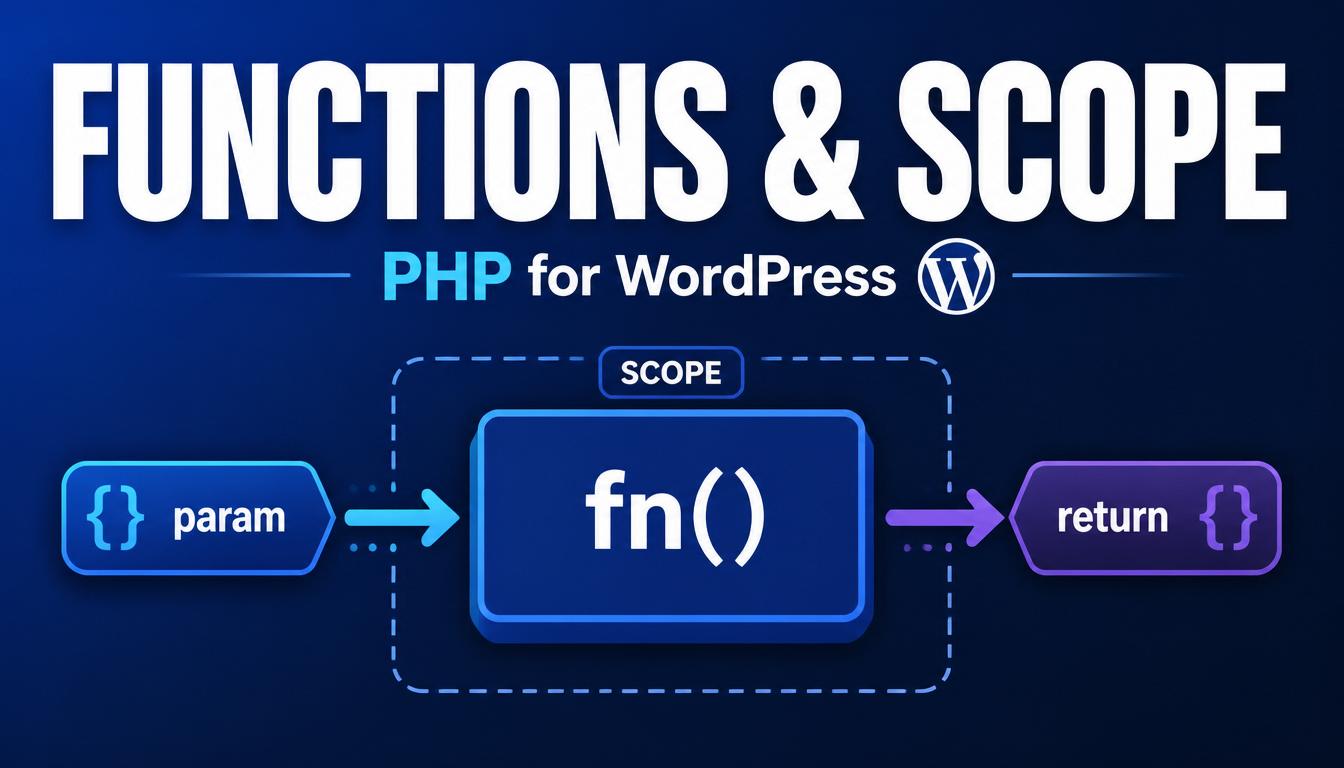
Introduction
WordPress is built around functions. You call them to fetch a post, register a menu, or modify content, and you write your own to organise your code. But functions come with a rule that trips up almost every beginner: a variable created inside a function cannot normally be seen outside it, and vice versa. That rule is called scope.
This article explains how to define and call functions, how parameters and return values work, and how scope controls which variables your code can see. It also covers the function features WordPress leans on heavily: callbacks, closures, and the global keyword behind patterns like global $post.
You will learn:
- How to define functions with parameters, defaults, and return values
- What variable scope is and why functions cannot see outside variables
- How the global keyword works and why WordPress uses it
- Callbacks, anonymous functions, and arrow functions
- How all of this powers WordPress hooks
Defining and Calling a Function
function kubic_greeting() {
    echo 'Welcome to the site';
}
kubic_greeting();   // runs the code, prints the message
Notice the prefix kubic_. WordPress loads your code alongside core, themes, and other plugins in one shared space. If two functions share a name, PHP throws a fatal error. A short, unique prefix on every function you define avoids that collision entirely.
Parameters: Passing Data In
Parameters are named variables in the function definition. The values you pass when calling are called arguments.
function kubic_price_tag( $amount, $currency ) {
    return $currency . number_format( $amount, 2 );
}
echo kubic_price_tag( 19.5, '$' );   // $19.50
Default values
function kubic_excerpt( $text, $length = 20 ) {
    return wp_trim_words( $text, $length );
}
kubic_excerpt( $content );        // uses 20
kubic_excerpt( $content, 50 );    // uses 50
This is exactly how thousands of WordPress functions work. get_the_title() can be called with or without a post ID because the parameter has a default.
Named arguments
Modern PHP lets you pass arguments by name, making calls with several optional parameters far clearer:
kubic_excerpt( text: $content, length: 50 );Return Values: Getting Data Back
return hands a value back to the caller. This is different from echo, which prints immediately.
function kubic_double( $n ) {
    return $n * 2;
}
$result = kubic_double( 8 );   // $result is 16
WordPress often pairs both styles: get_the_title() returns a string you can store, while the_title() echoes it directly. Knowing which one you are calling saves confusion.
Use early return to stop a function when there is nothing to do — this is called a guard clause:
function kubic_show_meta( $post_id ) {
    $value = get_post_meta( $post_id, 'subtitle', true );
    if ( $value === '' ) {
        return;   // nothing to show, leave early
    }
    echo esc_html( $value );
}
Variable Scope: The Core Idea
Scope is the set of places where a variable is visible. PHP uses function scope: a variable created inside a function exists only inside that function, and a variable created outside is invisible inside it.
$site = 'Kubic';
function kubic_show() {
    echo $site;   // empty — $site is not visible here
}
kubic_show();
The correct way to give a function outside data is to pass it as a parameter:
function kubic_show( $name ) {
    echo $name;
}
kubic_show( $site );
Local variables stay local
function kubic_calc() {
    $total = 100;   // exists only inside this function
}
kubic_calc();
echo $total;   // empty — $total is gone
The global Keyword and WordPress
Sometimes you genuinely need to reach a variable that lives outside your function. PHP’s global keyword pulls a global variable into the current scope. WordPress uses this for a handful of important objects:
function kubic_current_title() {
    global $post;
    return $post->post_title;
}
global $post tells PHP to use the shared $post object WordPress sets up during the Loop. The same pattern appears with global $wpdb for database access and global $wp_query for the main query.
Use the globals WordPress provides, but prefer passing data through parameters in your own code. Reserve global for the established WordPress objects.
Callbacks: Functions Passed as Values
In PHP a function can be passed around like any other value. When you hand one function to another to be called later, that passed function is a callback. This is the single most important concept for WordPress hooks.
function kubic_shout( $text ) {
    return strtoupper( $text );
}
$result = array_map( 'kubic_shout', array( 'a', 'b' ) );
// $result is array( 'A', 'B' )
When you write add_action( ‘init’, ‘kubic_setup’ ), you are giving WordPress a callback. WordPress stores the name ‘kubic_setup’ and calls your function when the init event fires. Every hook you ever write is a callback in action.
Anonymous Functions and Closures
An anonymous function (closure) is a function with no name that you define right where you use it. Handy for short, one-off callbacks:
add_action( 'init', function() {
    register_post_type( 'book', array( 'public' => true ) );
} );
Closures can capture variables from the surrounding scope using the use keyword:
$prefix = 'Book: ';
add_filter( 'the_title', function( $title ) use ( $prefix ) {
    return $prefix . $title;
} );
Trade-off: an anonymous function added to a hook is hard to remove later, because remove_action() needs a reference to the exact callback. For hooks you might need to unhook, a named function is the safer choice.
Arrow Functions: Shorter Closures
Modern PHP includes arrow functions — a compact syntax for short closures. They automatically capture outside variables (no use keyword) and always return a single expression.
$prices = array( 10, 20, 30 );
$tax    = 0.1;
$with_tax = array_map( fn( $p ) => $p + ( $p * $tax ), $prices );
// array( 11, 22, 33 )
Arrow functions are ideal for tiny transformations. For anything longer, use a full closure or a named function.
Best Practices
- Prefix every function with a unique slug to avoid fatal name collisions.
- Pass data into functions through parameters instead of reaching for globals.
- Keep functions small and focused on one job.
- Use guard clauses with early return to handle edge cases and keep the main logic flat.
- Prefer named functions for hook callbacks you may need to remove later.
Common Mistakes
Expecting a function to see outside variables. A function cannot read a variable defined outside it unless you pass it in. An empty output is often a scope problem.
Confusing return with echo. If you write $x = the_title(), $x will be empty because the_title() echoes instead of returning. Use get_the_title() when you need the value.
Overusing global. Limit it to the documented WordPress globals like $post and $wpdb.
Adding closures to hooks you later need to remove. An anonymous function on a hook cannot be targeted by remove_action(). Use a named function when removal is a possibility.
FAQ
Why can’t my function see a variable from outside?
Because PHP uses function scope. Each function has its own isolated set of variables. Pass the outside value in as a parameter, or use global for established WordPress globals.
When should I use a closure instead of a named function?
Use a closure for short, single-use callbacks. Use a named function when the logic is reused, longer, or attached to a hook you might remove.
What is the difference between a closure and an arrow function?
Both are anonymous functions. A closure needs the use keyword to access outside variables and can hold many statements. An arrow function captures outside variables automatically but is limited to a single expression.
Does global $post make a copy of the post?
No. It gives you access to the same shared object WordPress already created. Modifying it affects global state — which is why you reset it with wp_reset_postdata() after custom queries.
Conclusion
Functions let you name, reuse, and organise behaviour, and scope keeps each function’s variables safely separate. Once you internalise that a function only sees what you pass into it, a whole category of “why is this empty” bugs disappears.
The ideas here lead directly into WordPress hooks. Every add_action and add_filter call hands WordPress a callback, and understanding parameters, return values, and closures is exactly what you need to write them with confidence.